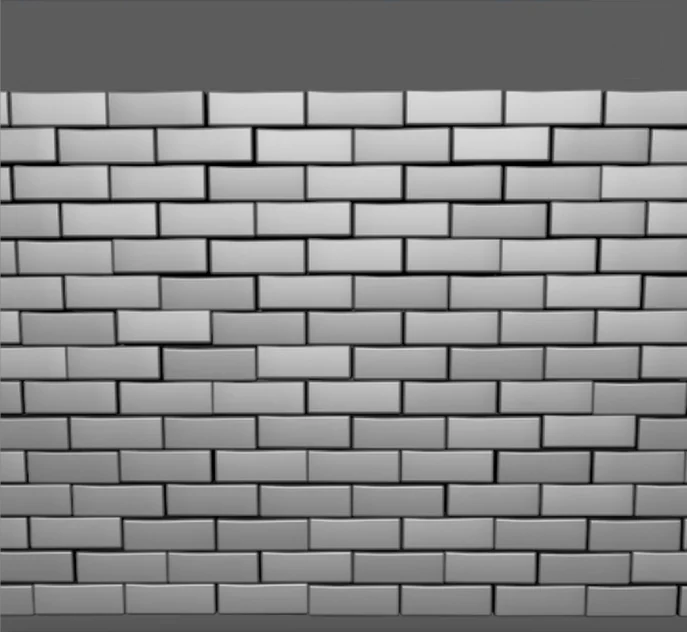
Line
Rows, walls and floors
Copies in a row, then stack rows and stagger them for brickwork.
 Mesh Labz
Work with me
Mesh Labz
Work with me
 lonr
lonrLive cloning for Maya. One click, one node, and every copy updates the moment you drag a slider.
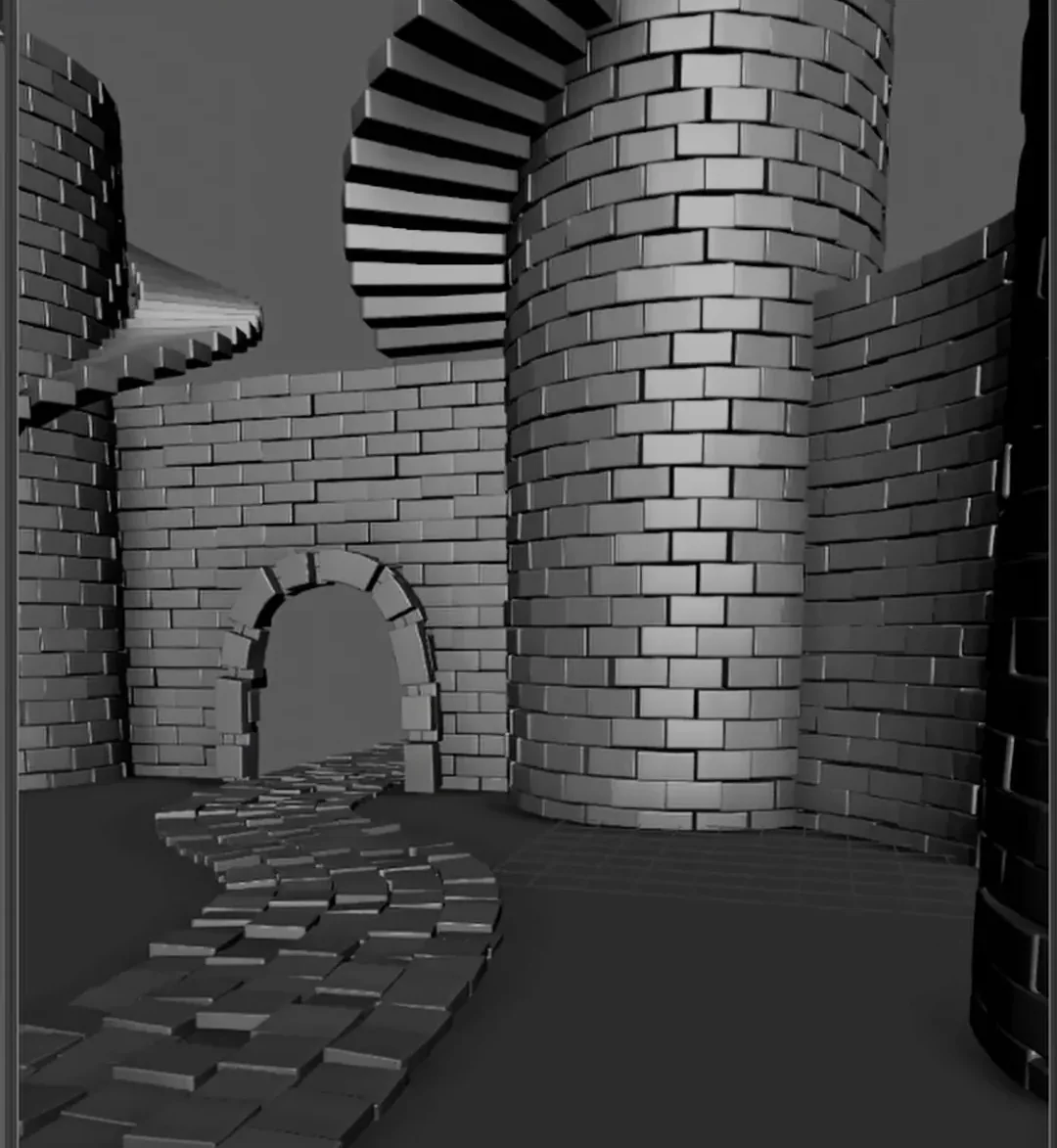 1 brick built this castle
100,000 copies, one node
1 brick built this castle
100,000 copies, one node
A complete walkthrough, from installing Clonr to building a whole scene from one object.
Duplicate Special makes a copy and forgets about it. Clonr keeps every copy live, so you can keep changing your mind.
Select an object, click Add Clonr. Everything lives in one node with plain sliders.
Drag a slider and every copy updates. Change the count, the curve or the original any time.
Five shapes, rows and stagger, randomize and up to five mixed objects.
Built-in limits stop a typo like one extra zero from freezing or crashing Maya.
Pick a shape in the Attribute Editor. Switch any time; your object stays the same.
Copies in a row, then stack rows and stagger them for brickwork.
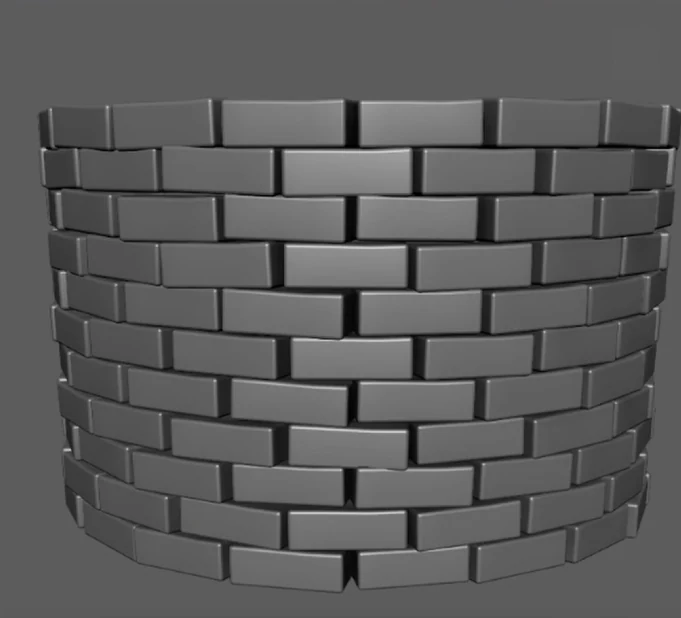
Full circles or arcs, stacked into rings with an offset.
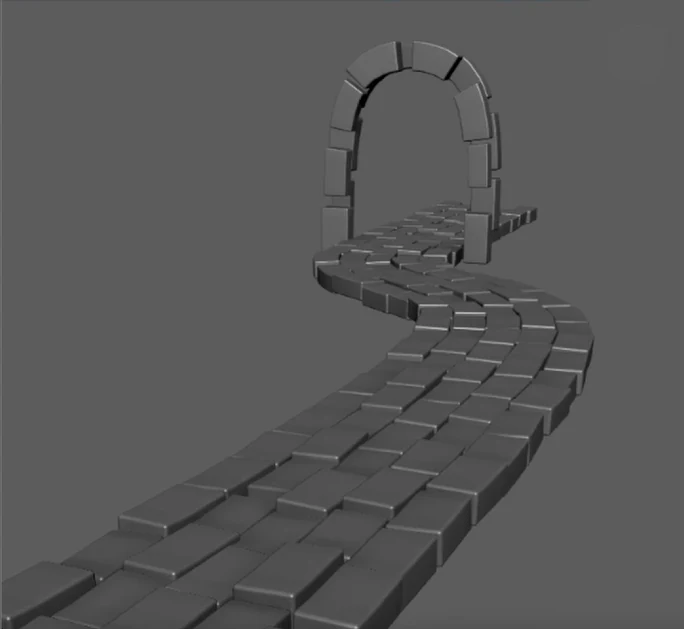
Paths, fences and arches. Move the curve and the copies follow.
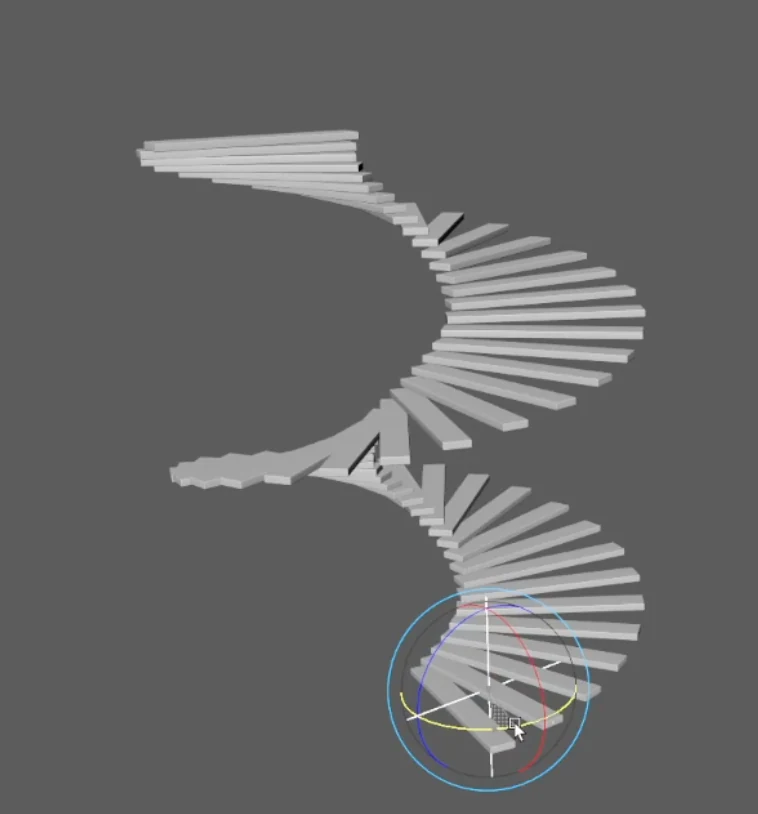
Each copy steps from the last. Drag a locator to shape it.
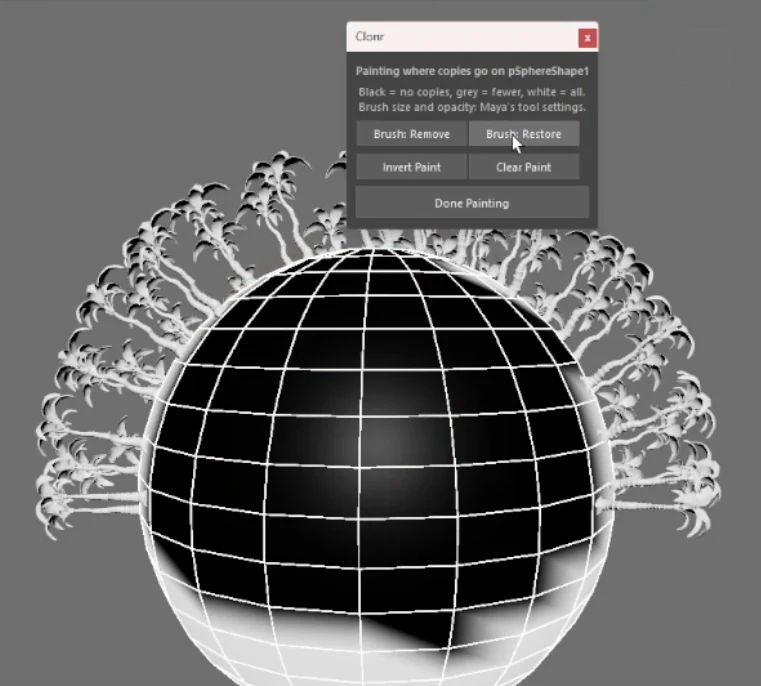
Rocks, plants and props spread over a mesh, with paintable density.
Random offset, rotation, scale and flips, with a seed, so nothing looks copy-pasted.
Mix the original with up to four variations, randomly or in order. Each keeps its own material.
Model the original any time, even extrude or bevel it, and every copy follows, with a live wireframe preview.
One tick switches to lightweight instances for huge counts. 100,000 copies tested, and Arnold renders them exactly as the viewport shows.
A vertex limit (1 million by default) means one typo can't freeze Maya. If something goes wrong, Clonr keeps the last good result.
Bake to Mesh turns the copies into normal geometry. Or Remove Clonr to go back to your single object.
Unzip the download and move the Clonr folder somewhere permanent, then drag drag_into_maya_to_install_clonr.py into Maya's viewport. When Maya asks whether to trust the plug-in, tick Apply to all plugins in this location and click Allow (it can ask twice). Clonr then loads every time Maya starts.
Select any mesh and go to Mesh Labz › Clonr › Add Clonr. Your object keeps its name and place, and the Clonr settings open in the Attribute Editor.
Choose Line, Circle, Curve, Transform or Surface, then drag the sliders. For Curve and Surface, use Pick Curve or Pick Surface to choose your curve or ground.
Open Randomize or Random Objects to break up the repetition. Click Edit Original to change the source object while you watch the copies update.
Happy with it? Bake to Mesh makes it normal geometry. Changed your mind? Remove Clonr gives you back the single object.
The full install guide, including Maya's security window, is in the Clonr Docs.
The full guide: installing, every setting in the Clonr panel, good practice, troubleshooting and limits. Search it for any word.
Maya 2023, 2024, 2025, 2026 and 2027, on Windows. In Maya 2023 and 2024 the vertex limit is 1,000,000.
Yes. Mesh copies render like any other mesh, and instances render exactly where the viewport shows them.
Clonr has hard limits, so a typo like an extra zero shows a message instead of freezing Maya, and it keeps the last result that fit. For very high counts, switch on Instances. See Use Instances for large numbers in the docs.
MASH is powerful and free with Maya, but it builds a network of several nodes. Clonr keeps everything in one node with plain sliders, adds safety limits, and lets you edit the original while the copies follow.
Yes, that's the point. Change any slider, the curve, the ground or the original itself until you bake.
No. You download it, drag the installer into Maya and you're done.
Clonr is tested on Windows. Mac and Linux haven't been tested yet.
Check Why does…? in the docs first. If that doesn't solve it, email zubin@meshlabz.com and I'll help you get it running. As a digital download, Clonr sales are final; see refunds and support.
A one-off download. No account, no licence key.
More than 10 seats? Get in touch for studio pricing.
Secure checkout through Gumroad.